


Understanding 9D VR And What Children Experience
What 9D VR Actually Means In Practice
The term “9D VR” is a marketing label rather than a scientific standard. In most venues it refers to a VR headset combined with motion seats, vibration, wind, sound, light effects, and sometimes water mist or leg ticklers. Technically, children are exposed to:
- Visual immersion: 360° stereoscopic video at 60–120 frames per second.
- Head tracking: typically 3–6 degrees of freedom, with latency under 20 ms.
- Motion platform: 3–6 axes of movement, often up to 15–25° of tilt.
- Haptic effects: vibration levels usually below 1.0 g on consumer systems.
- Environmental effects: air jets, low-intensity light flashes, and localized sound.
For children, this creates an intense sense of “being there.” Their brains process the VR scene as partially real, which is why content design, session length, and motion levels must be set more conservatively than for adults.
Typical 9D VR Setups In Commercial Venues
Most commercial 9D VR setups designed for family entertainment include:
- Shared motion capsules or seats, often 2–8 seats per unit.
- Head-mounted displays with resolutions typically between 2K and 4K per eye.
- Safety restraints such as seat belts or lap bars.
- Central control panel operated by staff to start, stop, and monitor sessions.
- Preset ride programs lasting 3–8 minutes per experience.
In markets like China, where rapid deployment of VR arcades is common, 9D VR units are often sold via Wholesale channels to parks, malls, and cinemas. This can produce wide variation in quality and safety practices, which parents and operators must address through careful selection, clear procedures, and proper staff training.
Age Appropriateness And Matching Content To Children
Recommended Age Ranges And Industry Guidelines
Major VR hardware vendors commonly recommend a minimum user age of 12–13 years, mainly due to concerns over visual development, fit of the headset, and emotional resilience. However, many 9D VR attractions target children as young as 6. A practical framework based on current data is:
- Under 6 years: Not recommended. Limited ability to distinguish virtual from real, higher risk of fear and disorientation.
- 6–9 years: Only gentle, non-horror content with minimal motion. Session time under 5 minutes per ride, 15–20 minutes total per day.
- 10–12 years: Mild thrill content acceptable; still avoid graphic violence and strong horror. Total daily VR time under 30 minutes, with breaks.
- 13+ years: Can handle most standard content with parental judgment and health screening.
These ranges align with visual development milestones and cognitive maturity. Operators, especially those purchasing via Wholesale or Custom equipment channels, should set clear age policies and post them visibly.
Content Rating, Themes, And Emotional Load
For children, content is as critical as hardware safety. High-speed roller coasters, monsters jumping toward the viewer, or war scenes can create intense stress. When evaluating a 9D VR title for kids, assess:
- Violence level: Avoid realistic blood, dismemberment, and first-person shooting for under-12s.
- Fear factor: Limit jump scares, dark scenes, and predatory creatures that appear at close range.
- Motion intensity: Favor slow-moving rides (average angular velocity under 40°/s) over aggressive swings.
- Narrative tone: Prefer positive, educational, or humorous themes.
Operators can work with content suppliers, including Custom scenario providers in regions like China, to create children’s catalogues with age labels and objective parameters such as maximum acceleration, average luminance, and sound peak levels.
Physical Safety: Motion, Balance, And Vision
Risks From Motion And Balance Disturbance
9D VR motion seats simulate acceleration using tilt and vibration. If not controlled, these stimuli can exceed a child’s comfort thresholds. Important measurable limits include:
- Linear acceleration: For most children, keeping peaks under 0.5 g and sustained levels under 0.2 g reduces discomfort risk.
- Angular velocity: Rapid yaw and pitch changes over 90°/s significantly increase dizziness and nausea.
- Session length: More than 8–10 minutes of intense motion increases motion sickness incidence sharply, especially under 12 years.
Studies on simulator sickness suggest that children may be slightly more susceptible to nausea and imbalance than adults. After a ride, some kids show transient gait instability lasting 1–5 minutes. Clear rules—such as remaining seated for 30–60 seconds after the ride and avoiding running immediately—reduce fall risk.
Visual Strain, IPD, And Screen Parameters
Children’s interpupillary distance (IPD) is narrower than adults, often in the 52–58 mm range for 6–10 year olds, compared with 60–66 mm for adults. If the headset’s lenses cannot adjust to a child’s IPD:
- Images appear misaligned, causing eye strain and headaches.
- The depth illusion becomes uncomfortable or distorted.
For safer use with children, headsets should support IPD adjustment down to at least 50 mm. Additional parameters that influence comfort are:
- Refresh rate: at least 72 Hz, ideally 90 Hz or higher.
- Resolution: not less than 1440 × 1600 per eye to reduce screen-door effect.
- Field of view: 90–110° is usually adequate; extremely wide fields can increase motion sensitivity.
Operators should configure focus and IPD for each child, which is easier with adjustable or Custom headsets rather than fixed-lens budget units often sold via low-cost Wholesale channels.
Psychological Impact: Fear, Anxiety, And Overstimulation
Why VR Feels More Intense For Children
VR activates multiple sensory channels at once and occupies most of the visual field. For children, whose emotional regulation and risk assessment systems are still maturing, this immersive effect can:
- Amplify fear responses to perceived threats.
- Blur the line between fiction and reality, especially under 8–9 years.
- Trigger lingering anxiety after frightening scenes.
Research on media exposure indicates that children can remember intense scenes for years, particularly if they involve danger to the self, falling, or being chased. In VR, such scenes are experienced from a first-person perspective, making them more powerful than conventional screen media.
Recognizing Signs Of Excess Stress Or Overload
Operators and parents should be trained to spot early distress indicators. During or immediately after a 9D VR session, red flags include:
- Sudden removal of the headset or attempt to escape the seat.
- Crying, shaking, or verbally asking to stop.
- Pale face, sweating, or rapid breathing.
- Complaints of chest tightness, dizziness, or “heart beating too fast.”
If any of these appear, the ride should be stopped within seconds. A simple procedure—calm voice reassurance, removal of the headset, offering water, and a 10–15 minute rest away from intense lights and noise—is often sufficient. More severe reactions (persistent panic or vomiting) are rare but require immediate medical evaluation.
Health Conditions And Contraindications For 9D VR
When 9D VR May Be Unsuitable Or Limited
Children with certain medical conditions face higher risk from intense visual and motion stimulation. Parents should consult healthcare professionals if their child has:
- Epilepsy or seizure history: Photosensitive epilepsy affects approximately 1 in 4,000 people; flashing lights or high-contrast patterns in VR can be a trigger.
- Severe motion sickness: Car sickness or seasickness indicates a higher risk of VR sickness.
- Balance or vestibular disorders: These can be aggravated by conflicting motion cues.
- Serious heart or respiratory conditions: Intense fear or adrenaline surges may be problematic.
- Recent concussion or head injury: VR is generally not advised until full recovery.
For such groups, low-motion, short-duration content—or a complete avoidance of VR rides—may be the safest policy. Operators can include health questionnaires and warning signs at the entrance, especially in high-traffic venues supplied via Wholesale chains.
Vision Development And Long-Term Concerns
Current evidence does not demonstrate that occasional short VR sessions cause permanent eye damage in children, but concerns remain about:
- Potential impact on accommodation and convergence mechanisms.
- Temporary visual fatigue after intense near-field viewing.
- Possible influence on myopia progression with excessive use.
Many ophthalmologists suggest that children limit total screen-based near viewing—including VR, tablets, and phones—to less than 2 hours per day, with at least a 10-minute break after every 30 minutes. For VR specifically, practical guidance is:
- No more than 30 minutes of total VR usage per day for 6–12 year olds.
- Individual sessions not exceeding 8–10 minutes for high-intensity 9D rides.
Parents should observe whether children complain of persistent headaches, blurred vision, or eye pain following VR use and adjust access accordingly.
Sanitation, Hygiene, And Shared VR Equipment
Hygiene Risks Specific To Multi-User Headsets
9D VR attractions, particularly in shopping centers and amusement parks, involve high user turnover. Each headset contacts the forehead, eye area, and sometimes the nose and cheeks. Without robust hygiene protocols, this can facilitate transmission of:
- Respiratory viruses via skin and foam interfaces.
- Bacteria contributing to skin irritation or conjunctivitis.
- Fungal infections under warm, damp padding.
Children’s immune systems are still developing, and they frequently touch their faces, increasing risk. In markets like China, where visitor volumes can be high, careful sanitation procedures are especially important for Wholesale-supplied venues that operate on tight schedules.
Practical Sanitation Standards And Procedures
A professional operator should implement measurable hygiene practices, including:
- Using disposable or washable VR mask covers for each user.
- Wiping headset surfaces and controllers with medical-grade disinfectant after every session.
- Allowing at least 2–3 minutes between users for cleaning and drying.
- Replacing foam padding regularly, for example every 3–6 months in heavy use environments.
- Maintaining indoor air quality with adequate ventilation (e.g., 4–6 air changes per hour).
Parents can check whether staff consistently clean headsets and whether fresh covers are available for their children. In Custom-designed venues, operators can integrate UV sterilization cabinets or automated cleaning systems into their hardware layout to standardize these processes.
Posture, Duration, And Safe Session Limits For Kids
Ergonomics And Correct Seating For Children
9D VR seats and restraints are often sized for adults or teenagers. Poor fit can cause:
- Neck strain from supporting a heavy headset on a small frame.
- Shoulder and back discomfort from improper seat depth or height.
- Reduced safety if belts and bars do not align correctly with the body.
To reduce these risks:
- Use booster cushions for shorter children so their feet rest stably on the platform.
- Verify that the back of the head is supported and the neck is not forced forward.
- Confirm that belts cross the pelvis, not the abdomen or chest.
Custom seat designs specific to children, including adjustable belts and shorter backrests, provide superior safety and comfort compared with one-size-fits-all solutions.
Session Frequency, Breaks, And Monitoring
Children are often eager to repeat rides, which can push them beyond safe exposure levels. Operators should establish quantifiable policies such as:
- Maximum of 3 high-intensity rides per day per child.
- Mandatory 10–15 minute break between sessions.
- Visual check of each child before the next ride for signs of fatigue or discomfort.
Research on simulator sickness indicates that risk increases non-linearly with repeated exposure, especially when breaks are shorter than 5 minutes. A conservative approach, combined with clear guidance for parents, significantly reduces complaints of headache, nausea, and irritability.
Content Selection And Kid-Friendly 9D VR Experiences
Technical Metrics For “Gentle” Children’s Content
To move beyond vague labels like “mild” or “gentle,” operators and content creators can classify children’s experiences using technical metrics, including:
- Maximum platform tilt: For younger children, keep below 15° in any axis.
- Average angular velocity: Under 30–40°/s for the majority of the ride.
- Peak vibration intensity: Below 0.7 g at the seat surface.
- Sound pressure level: Keep peaks under 85 dB for short duration content.
- Light flash frequency: Avoid repetitive flashes in the 15–25 Hz range, especially for at-risk populations.
These numbers can be documented for each title in a content library, making it straightforward for staff to match rides to age groups.
Educational And Positive Themes For Families
Rather than focusing solely on thrills, 9D VR can be used for constructive experiences such as:
- Virtual nature journeys that simulate forests, oceans, or space with gentle motion.
- Historical or cultural scenes aligned with school curricula.
- Science and engineering simulations showing large-scale phenomena.
Venues that commission Custom content can integrate local cultural elements, language options, and curriculum-linked scenarios, adding educational value while maintaining low-risk motion profiles. In regions such as China, where group school visits are common, this approach aligns commercial objectives with educational and safety priorities.
Parental Supervision, Rules, And Staff Communication
Role Of Parents In Managing Risk
Parental involvement is one of the most effective safety controls for children using 9D VR. Parents should:
- Read all posted health and age warnings before purchase.
- Ask staff about motion intensity and content theme before selecting a ride.
- Observe the child’s first session and watch for early signs of discomfort.
- Set clear limits on number of rides and total time.
If a child is anxious, prone to nightmares, or already tired, postponing the ride can be the safest option. No attraction should override a parent’s judgment about their own child’s wellbeing.
Staff Training And Communication Standards
Professional venues must ensure that all frontline staff can:
- Explain content intensity and age suitability in clear, non-technical language.
- Adjust seat and headset fit correctly for different body sizes.
- Operate emergency stop controls immediately when requested.
- Follow documented procedures for handling sick or distressed children.
Operators who purchase systems via Wholesale should insist that training materials, standard operating procedures, and safety checklists are included with the hardware. Custom-tailored manuals in the local language, combined with periodic refresher training, significantly enhance safety outcomes.
Balancing Fun And Safety: Practical Family Guidelines
Simple Rules For Parents And Children
Families can apply a concise checklist before allowing a child to use 9D VR:
- Is the child at least 6–7 years old and generally calm with amusement rides?
- Does the venue appear clean, with visible headset sanitation?
- Can staff clearly describe the ride, its duration, and its intensity?
- Is the seat and headset adjustable to the child’s size?
- Has the child had enough rest, food, and water?
During the ride, agree on a simple signal (such as raising a hand) that the child can use if they want to stop immediately. Respecting that signal builds trust and reduces fear.
How Operators Can Support Safe Enjoyment
From an operator’s perspective, building a child-friendly environment is both a safety responsibility and a business advantage. Effective steps include:
- Creating clearly labeled “Kids Mode” ride options with limited motion.
- Posting printed safety parameters (age limits, duration, intensity) in front of each machine.
- Offering family packages with built-in rest periods and educational content.
- Collecting feedback via short surveys to monitor incident rates and improve procedures.
Combining these strategies enables venues to deliver memorable, positive experiences while keeping risk within acceptable, clearly defined boundaries.
VR Star Space Provide solutions
VR Star Space focuses on practical, data-driven safety for children’s immersive entertainment. For operators, the team can assist in selecting motion parameters tailored to different age brackets, designing Custom content libraries with defined intensity ratings, and establishing written safety protocols covering sanitation, session limits, and emergency handling. For venues in China and global markets relying on Wholesale equipment supply, VR Star Space can evaluate hardware ergonomics, IPD ranges, and motion platform limits to align with child-friendly standards. Through training support and clear documentation, VR Star Space helps families and operators enjoy immersive fun while keeping measurable risks under control.
User hot search: 9D VR Game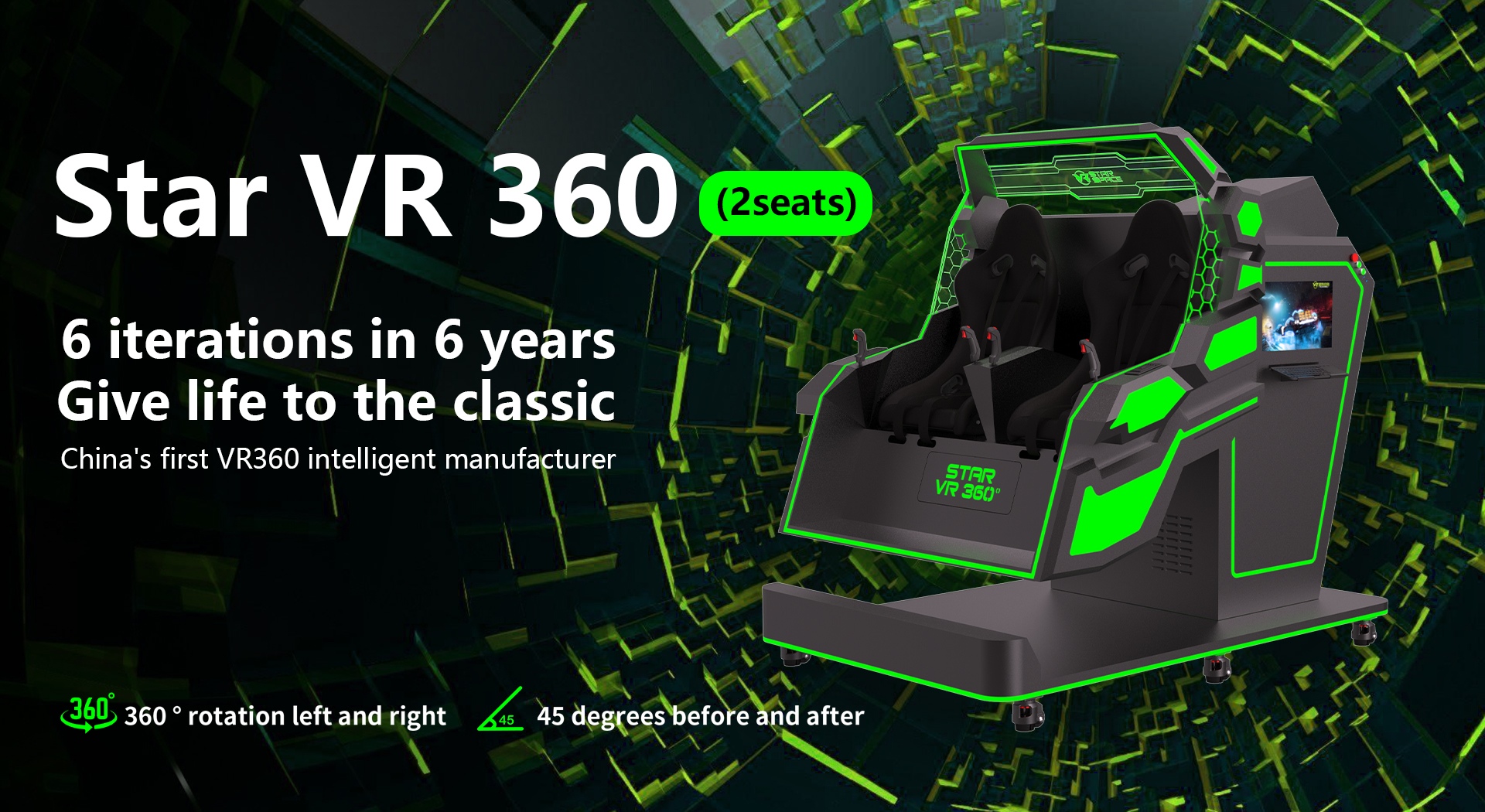
Post time: 2025-12-31 08:00:03
- Previous:
- Next: How does a VR roller coaster simulator work?










 sales@vrstarspace.com
 +86 177 5195 7805
 +86 177 5195 7805
  Privacy settings