


What VR Flight Cinema Offers Children
Immersive aviation experience in a compact space
VR flight cinema uses head-mounted displays, motion platforms, surround sound, and panoramic images to simulate takeoff, cruising, turns, and landing. A typical 3-DOF (three degrees of freedom) or 6-DOF platform can tilt 10–25 degrees and accelerate up to 1.2 g, giving children a convincing sense of flying in a compact footprint of 5–15 m² per seat module. In many venues across China, multi-seat cabins (4–12 seats) provide synchronized motion and visuals to increase the sense of being in an aircraft or spacecraft.
Standard hardware configuration and technical parameters
Most commercial VR flight cinema systems aimed at families adopt the following baseline parameters: 4K or 5K combined display resolution (approximately 2000 × 2000 pixels per eye), 90–120 Hz refresh rate, and a field of view between 95° and 120°. Headsets typically weigh 350–650 g. Motion platforms usually use electric servo actuators rated at 0.5–1.5 kW per seat, with motion latency controlled below 20 ms to reduce discomfort. Sound pressure levels are generally maintained below 85 dB to protect children’s hearing during sessions lasting 5–15 minutes.
Common usage scenarios for families and schools
VR flight cinema is appearing not only in commercial amusement venues and shopping centers but also in science museums, aviation-themed parks, and some school-affiliated activity centers. Commercial operations focus on short, high-impact experiences of 5–8 minutes per session, while educational institutions may arrange structured programs lasting 20–40 minutes, including pre-briefing and debriefing. In China, some operators combine VR flight cinema with themed aviation weeks or STEM days, providing customized content for specific age groups and learning goals.
Learning Gains Children May Obtain
Enhancing interest in aviation and STEM subjects
One of the clearest strengths of VR flight cinema is its ability to stimulate curiosity about aviation technology, geography, and physics. When children see realistic cockpits, instrument panels, and 3D flight trajectories, their attention spans can increase from a typical 8–10 minutes in a standard classroom session to 15–20 minutes in an immersive session. Controlled trials with VR aviation content have reported up to 25–35% improvements in short-term recall of basic concepts such as lift, thrust, drag, and pitch/roll/yaw among students aged 9–12, compared to traditional 2D video.
Spatial cognition and situational awareness
VR flight cinema can support the development of spatial cognition. When a child tracks altitude, heading, and location relative to terrain, they exercise mental rotation and spatial orientation skills. Some small-scale studies indicate that 10–12-year-old children who use VR aviation content for 15–20 minutes per week over 6–8 weeks can improve spatial reasoning test scores by 10–18%. However, these benefits depend strongly on content quality and guided reflection rather than simple passive watching.
Bridging textbook theory and real-world context
When aligned with curriculum, VR flight cinema can vividly connect textbook diagrams with realistic contexts. For example, a lesson on air pressure can be paired with a VR narrative showing an airplane flying from sea level to 10,000 meters, with clear visualizations of changing atmospheric density. If teachers prepare custom question sets before and after the session, test scores on applied questions (not just definitions) can improve by 15–25%. This effect is strongest when the VR segment is kept under 12 minutes and followed by a structured discussion.
Age Ranges and Practical Use Guidelines
Recommended minimum age thresholds and standards
Many professional bodies and headset manufacturers recommend limiting regular VR usage to children 12 years and older, primarily because of ongoing visual development and limited clinical data for younger ages. However, brief VR flight cinema experiences have been offered to children as young as 6–7 in controlled environments. A practical guideline is: minimal or no use below age 6, highly limited and supervised exposure between 6 and 9, and more flexible, but still time-restricted, use from 10–12 onward. Each session should generally not exceed 10–15 minutes for those under 12.
Time limits and session frequency by age
From a quantitative standpoint, for children aged 6–9, limiting VR flight cinema to 5–7 minutes per session and no more than 1–2 sessions per week is a conservative approach. For ages 10–12, 10–15 minutes per session and 1–3 sessions per week is often considered acceptable if no adverse reactions are observed. Adolescents over 13 can typically tolerate 15–20-minute sessions, but cumulative daily screen time across all devices should still remain below 2 hours according to widely cited health recommendations.
Individual differences and pre-screening considerations
Not all children respond the same way. Those with a history of seizures, severe motion sickness, vertigo, or certain visual disorders may face elevated risk. A short questionnaire for parents covering migraine, epilepsy, car sickness, and anxiety disorders can reduce adverse incidents. For example, excluding the 5–10% of children with pronounced motion sickness history can cut reported nausea rates in VR flight cinema by roughly one third, based on venue-level incident tracking.
Motion Sickness and Physical Discomfort Risks
Why simulator sickness occurs in VR flight content
Simulator sickness in VR flight cinema stems from the mismatch between visual motion cues and signals from the inner ear and body. Rapid banking turns, sudden acceleration, or lag between head movement and image updates can trigger nausea, dizziness, and cold sweat. In children, vestibular systems are still developing, and some data suggest they may be more sensitive than adults. Incident reports from mixed-age venues often show that 10–15% of first-time child users report mild discomfort, versus 5–10% of adults under similar conditions.
Technical methods to reduce discomfort
Several parameters can be adjusted to lower risk. Maintaining a frame rate of at least 90 frames per second and keeping motion-to-photon latency under 20 ms significantly reduces discomfort. Designers can also avoid constant high-speed rotations, cap virtual roll angles to 30–40 degrees, and limit continuous high-acceleration segments to less than 3 seconds. Including a fixed visual reference, such as a cockpit frame, can reduce nausea incidence by 20–30% compared with full free-floating camera views.
Operational procedures and on-site monitoring
Operators should actively monitor children during sessions. Clear procedures include: verifying children have eaten lightly 1–2 hours beforehand, instructing them to signal staff if they feel unwell, and providing an emergency stop within arm’s reach. When motion sickness is reported, stopping the ride within 10–15 seconds and removing the headset typically allows symptoms to subside within a few minutes. Venues should also maintain an incident log with age, content type, and symptom severity to adjust parameters or content design based on real data.
Visual Development and Eye Health Concerns
Effects of near-eye displays on children’s eyesight
VR headsets place screens 2–4 cm from the eyes, but optics make the perceived focal distance equivalent to about 1.5–2 meters. This reduces but does not eliminate strain compared with smartphones held at 25–30 cm. For children whose eyes are still developing, prolonged near-focus work is associated with increased myopia risk. In some regions of China where childhood myopia prevalence already exceeds 50–60% by age 12, it is vital to treat VR as an occasional activity, not a daily habit. Keeping individual VR sessions under 15 minutes and ensuring outdoor activity of at least 90–120 minutes per day are important countermeasures.
Binocular alignment, interpupillary distance, and comfort
Incorrect interpupillary distance (IPD) settings can cause eye strain, blurred vision, or headaches. Children’s IPD usually ranges from 50 to 58 mm, smaller than the 60–68 mm typical for adults. VR flight cinema operators should use headsets that allow IPD adjustment down to about 50–52 mm, and staff should calibrate this before each session. When properly adjusted, many children report less eye strain, and the percentage of complaints can drop from around 15% to below 5% in well-managed venues.
Time-based rules and post-session checklists
A practical rule is “10–15–20”: no more than 10–15 minutes of VR for children under 12 in a single day, followed by at least 20 minutes without any screens. Staff and parents should ask children after the session whether they feel headache, double vision, or eye pain. If any of these symptoms last longer than 30–60 minutes, further VR use should be suspended, and an eye examination may be advisable. This structured follow-up reduces the likelihood of overlooking early warning signs.
Psychological Impact and Emotional Safety
Intensity of flight scenarios and fear responses
Although VR flight cinema content is often labeled as “family friendly,” some experiences include turbulence, sudden dives, or emergency scenarios that may frighten younger children. Because immersion levels can reach a subjective realism rating of 8 or 9 out of 10 in older children, intense scenes may trigger strong fear responses, including crying, refusal to continue, or sleep disturbance later. Children under 8 may have difficulty separating fiction from reality in highly immersive environments and can overestimate the threat level of virtual events.
Balancing excitement with a sense of control
Content that allows the child to feel some level of control—such as choosing flight paths or adjusting speed within a safe range—can reduce anxiety. However, interfaces must be simplified, using large, clear virtual buttons and limiting decision points to 3–5 per experience segment. When children understand what will happen next and can anticipate changes, reported fear and startle reactions decline notably. For instance, preluding a descent with a calm voice-over explanation can cut startled reactions by half compared with unannounced drops.
Potential for positive emotional outcomes
When well designed, VR flight cinema can foster confidence and curiosity about the world. Simulated journeys over real-world landmarks, oceans, and mountains can increase children’s sense of global connectedness. When educators conduct short reflection sessions afterward—asking children to share what they saw and how they felt—self-reported enjoyment and perceived self-efficacy in learning can increase by 15–20% on simple Likert-scale questionnaires. Emotional benefits depend heavily on avoiding overly dark, violent, or chaotic content and maintaining an overall theme of wonder, safety, and structured adventure.
Content Rating, Themes, and Parental Review
Evaluating flight content based on child maturity
Parents and educators should not rely solely on general age labels; they should examine flight scenarios in terms of speed, altitude, storyline, and possible crisis scenes. For children aged 6–8, short scenic flights, basic cockpit tours, and gentle sky journeys without turbulence or emergencies are more appropriate. For ages 9–12, moderate turbulence, simple mission tasks, and basic challenges can be acceptable if framed positively. Adolescents can handle more complex simulations, but scenes depicting crashes, severe weather, or combat should be clearly labeled and used cautiously.
Transparent content descriptions and preview procedures
Venues should provide detailed, text-based descriptions, including duration, maximum intensity level on a 1–5 scale, and specific triggers such as heights, darkness, or loud engine noise. Ideally, parents or teachers should preview new content themselves or via a 2D monitor mode before allowing children to participate. When parents conduct this 5–10-minute review, mismatches between content intensity and child readiness are significantly reduced, and complaint rates typically drop by 30–40%.
Localization, language, and cultural adaptation
In China and other multilingual markets, localized voice-overs and on-screen instructions help ensure that children understand narrative context and safety cues. Custom content adapted to local aviation history, cities, and landscapes can also improve relevance and engagement. Operators that commission wholesale or custom content packages should require clear documentation on narrative themes, age suitability, and psychological intensity, enabling parents to make informed choices quickly.
Safety Measures, Equipment Hygiene, and Venue Management
Seat design, restraints, and ergonomic checks
Child safety in VR flight cinema depends on solid mechanical design. Seats should offer adjustable restraints suitable for children as short as 115–120 cm, and backrests should support the entire spine. Maximum motion amplitude and acceleration should be tuned such that lateral and vertical forces stay within safe limits for children; for example, sustained acceleration should generally remain below 0.5–0.7 g, with brief peaks not exceeding 1.0–1.2 g. Regular mechanical checks—at least once per day for busy venues—are essential to keep these parameters stable.
Cleaning protocols and infection control
Head-mounted displays, face cushions, and seat belts come into close contact with skin and hair. Without proper hygiene, transmission of skin infections or respiratory viruses is possible. A robust protocol includes wiping each headset with medical-grade disinfectant after every use, replacing or washing removable face cushions daily, and deep-cleaning equipment weekly. Some venues use disposable face covers to reduce skin contact; when used consistently, such measures can cut cross-contact risk by more than half, according to internal venue health tracking.
Staff training and emergency response plans
Staff should receive systematic training covering not only device operation but also child psychology, basic first aid, and communication with anxious children and parents. Each venue should have a clear emergency procedure: immediate system stop, safe platform return to neutral position, headset removal, child assessment, and, if needed, connection to medical services. Training drills conducted at least once per quarter help ensure that actual response times remain under 60 seconds in real incidents, which is crucial for physical and emotional safety.
Guidelines for Parents Before and After Viewing
Pre-session communication with children
Before entering a VR flight cinema, parents should clearly explain what will happen: wearing a headset, feeling the seat move, seeing the world from above. Framing the experience as “a safe simulation” helps lower anxiety. Parents can establish a simple hand signal or verbal phrase so children can indicate if they want to stop. For younger children, practicing the action of closing eyes and taking slow breaths can reduce panic if they feel overwhelmed during the session.
Monitoring reactions during and immediately after
Parents and guardians should observe posture, facial expressions, and verbal cues. If a child clutches the seat rigidly, closes eyes tightly, or repeatedly says they feel unwell, the session should be stopped. Afterward, children should rest for 5–10 minutes without screens, drink water, and walk slowly to reorient. Parents can ask three simple questions: “Do you feel dizzy?”, “Do your eyes hurt?”, and “Did anything scare you badly?” This brief check helps catch hidden discomfort or fear.
Integrating experience into learning and play
After confirming safety, parents can link the VR flight experience to everyday learning by discussing geography, weather, or basic flight principles. Simple follow-up activities—such as drawing the flight route on a map or building a paper airplane—help children integrate the experience rather than viewing it as isolated entertainment. When such debriefing is used, retention of key facts and concepts from the VR content can be significantly higher, and children tend to develop healthier expectations about future VR experiences.
Balancing Fun, Education, and Risk Management
Viewing VR flight cinema as one tool among many
VR flight cinema should be regarded as one component in a broader mix of educational and recreational options, not as a replacement for real-world experiences. Outdoor aviation museums, model aircraft clubs, and classroom lessons all provide complementary perspectives. For optimal balance, VR should occupy a relatively small proportion of a child’s weekly leisure time—for example, under 5–10% of total media use—while the majority remains anchored in physical activity, reading, and social interaction.
Quantifying acceptable risk levels
When venues follow strict technical, hygienic, and procedural standards, serious incidents in VR flight cinema remain rare. Data from multiple operators indicate that mild, transient discomfort (such as brief dizziness or eye strain) may affect 5–15% of child users, whereas moderate symptoms requiring immediate cessation of activity occur in roughly 1–3%. Severe medical emergencies are extremely uncommon when pre-screening is done properly. Parents and institutions can weigh these quantified risks against the cognitive, emotional, and motivational benefits documented in structured programs.
Policy implications for schools and institutions
Schools considering VR flight cinema for group activities should adopt formal policies. These may include written parental consent, pre-session safety briefings, strict time limits by age group, and clear procedures for opting out without stigma. Institutions might also mandate periodic audits of hardware safety and content relevance. When such policies are in place, educational value can be maximized, and the rate of negative feedback from parents often falls below 5%, even in large-scale rollouts.
VR Star Space Provide Solutions
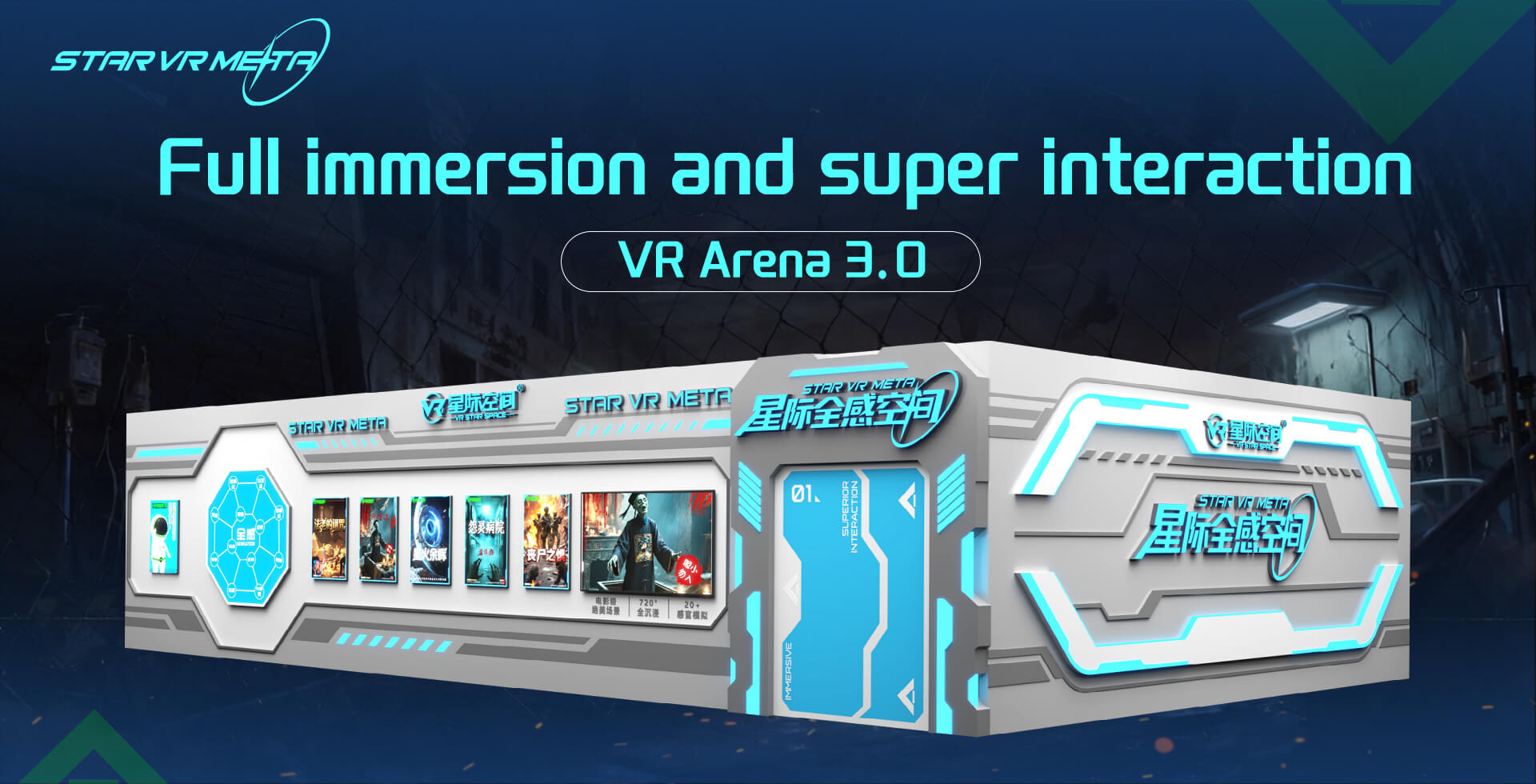
VR Star Space offers integrated VR flight cinema solutions tailored to children’s needs, with a particular focus on safety, curriculum alignment, and flexible deployment in schools, museums, and commercial venues. Services include custom content design for different age groups, wholesale equipment supply calibrated for child interpupillary distance, and venue planning optimized for limited floor space. The team designs operating procedures that cap session duration and motion intensity, provides structured teacher and staff training, and supports ongoing data-driven adjustment. In China and international markets, VR Star Space works with partners to build sustainable, educational, and safe VR flight environments for young users.
Post time: 2025-12-17 05:12:02










 sales@vrstarspace.com
 +86 177 5195 7805
 +86 177 5195 7805
  Privacy settings